










Description
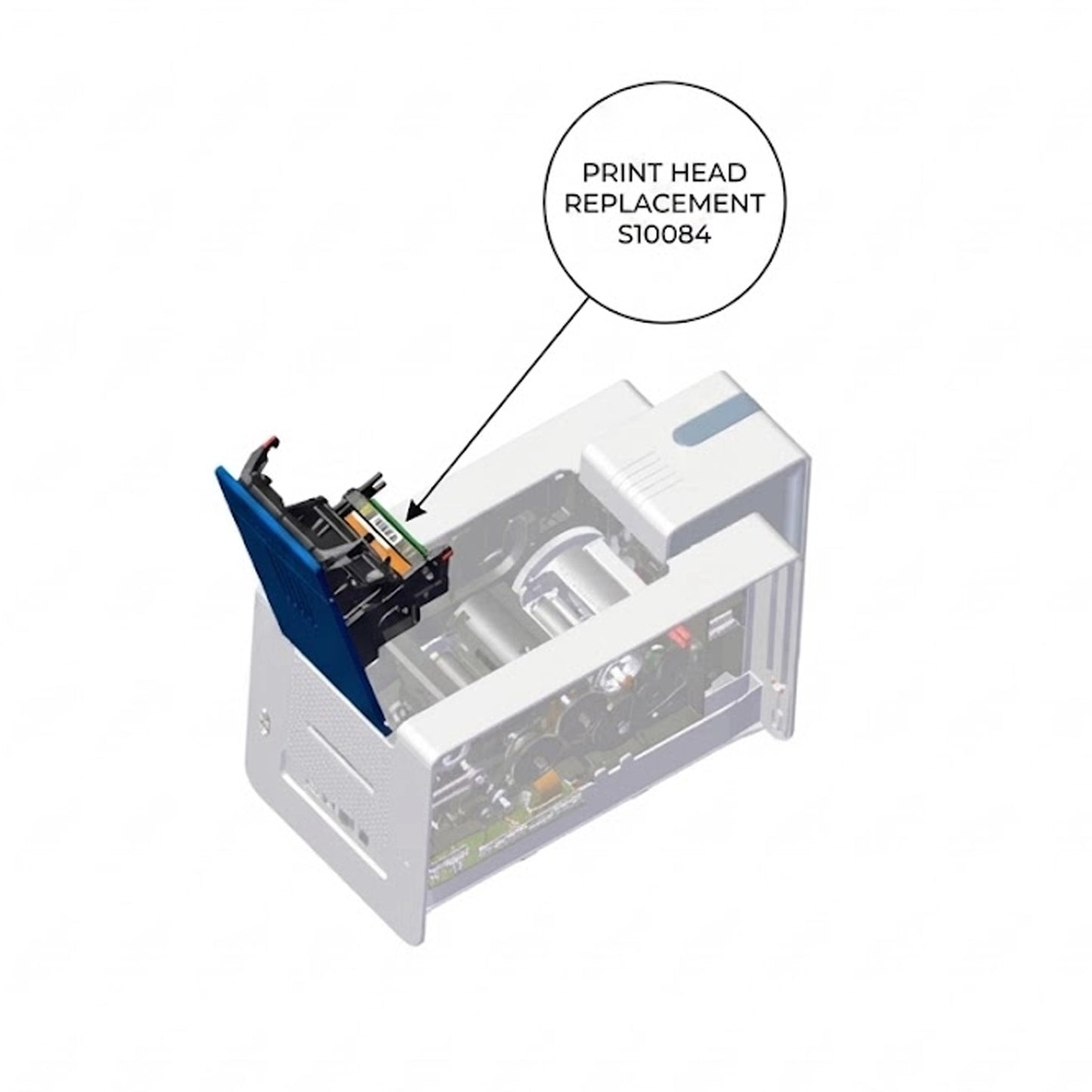
Is your ID card printer producing faded images, white lines, or incomplete text? It may be time to replace your printhead. The Evolis S10084 is the genuine OEM replacement printhead designed specifically to rejuvenate your printing capabilities, ensuring every card you print looks professional, crisp, and secure.
⚠️ COMPATIBILITY WARNING:
- Compatible With: Evolis Zenius, Zenius Expert, and Evolis Primacy (First Generation).
- NOT Compatible With: Evolis Primacy 2. (If you own a Primacy 2, you require part number S10381).
Why Choose Genuine Evolis? Printheads are the most critical component of your card printer. Using this genuine Evolis replacement ensures you maintain the original 300dpi resolution and color fidelity your printer was built for. Generic or refurbished heads often fail to calibrate correctly with the Evolis Print Center, leading to errors and voided warranties.
Key Features:
- Genuine OEM Part: Guaranteed reliability and seamless integration with your existing hardware.
- Field Replaceable: Designed for easy installation by the end-user without sending the printer away for service.
- High-Definition Output: Restores 300dpi resolution for sharp barcodes, clear text, and vibrant photos.
- Extended Lifespan: Built to meet Evolis’s rigorous manufacturing standards for long-term durability.
Installation "Pro-Tip": When installing this printhead, you must enter the PKN (Print Kit Number) found on the white label of the new printhead into your Evolis Print Center settings. This calibrates the printer to the new head’s specific resistance and voltage, ensuring optimal print quality and preventing damage.