










Description
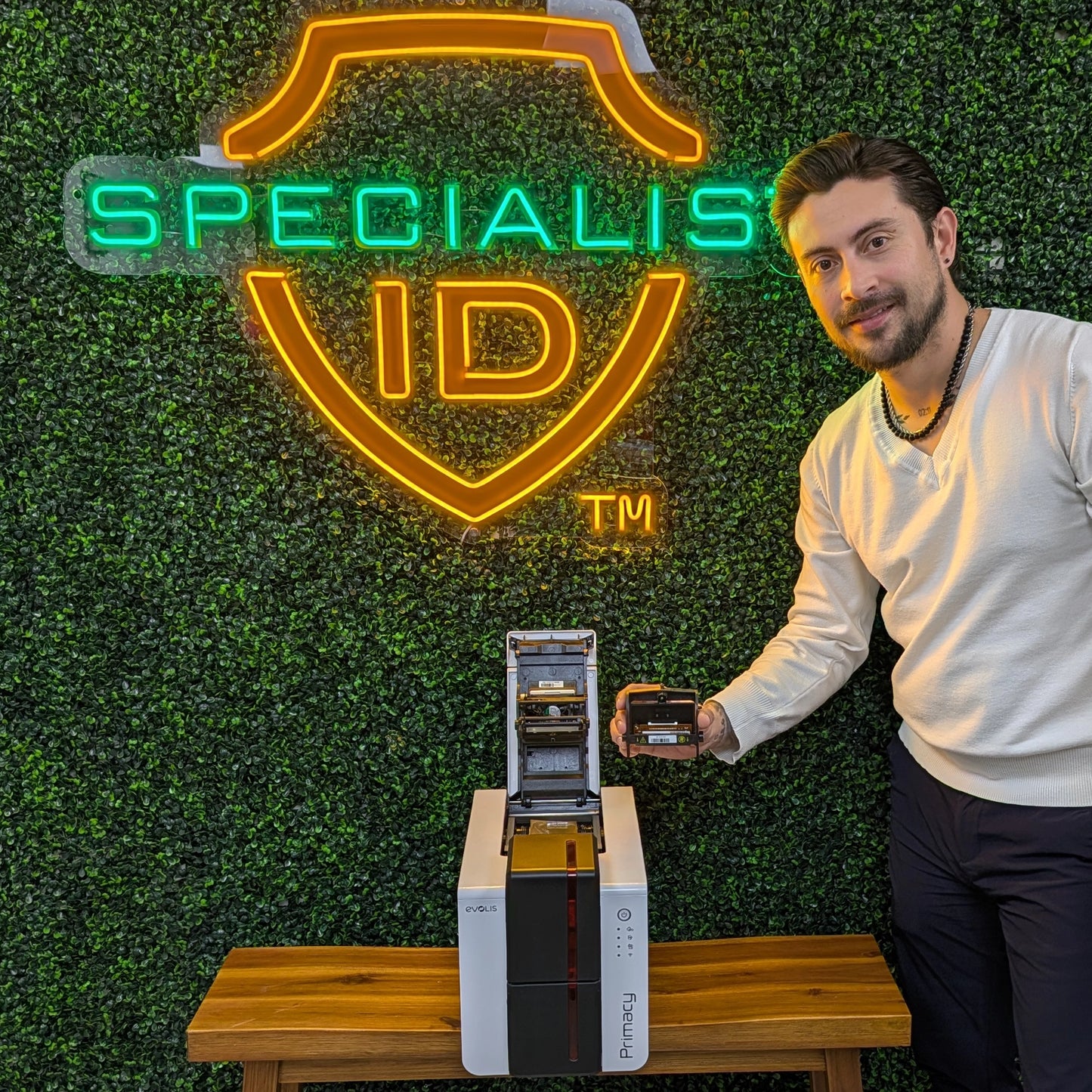
The Evolis S10381 Replacement Printhead is the genuine OEM replacement part engineered specifically for the Evolis Primacy 2 card printer. If your ID cards are printing with white lines, missing pixels, or blurry barcodes, a damaged printhead is the likely culprit. This direct replacement restores your printer’s ability to produce crisp, high-definition images and secure credentials.
Why Choose Genuine Evolis Parts? The printhead is the most critical component of your thermal transfer printer. Using this authentic Evolis S10381 kit ensures you maintain the 300 dpi resolution and color consistency your organization relies on. It is designed for precise heat management, extending the life of your printer and preventing damage to ribbons and cards.
Critical Compatibility Warning: Please verify your printer model before purchasing. This printhead is exclusive to the Primacy 2.
- Compatible with: Evolis Primacy 2
- NOT Compatible with: Evolis Primacy 1, Zenius, or Elypso (These models require part #S10084).
Installation & Care Tips
- Handle with Care: Never touch the glass surface of the printhead with your bare fingers. Oils from your skin can permanently damage the sensitive thermal elements.
- Power Down: Always unplug your printer from the power source before attempting any maintenance or replacement.
- Regular Cleaning: To extend the life of your new printhead, use an Evolis cleaning kit every time you change the ribbon.