









Step 1
Bring your brand
Upload your finished logo or design. Have a vector file or need help with placement? Send your artwork after checkout.

Badge Holders
Badge Buddies
Card Printers by Brand
All Card Printers MagicardBuilt-in HoloKote anti-fraud watermark
 EvolisZenius 2 · Primacy 2 · compact & quiet
 Fargo by HIDDTC series · workhorse direct-to-card
 EntrustDatacard DS series · formerly Sigma
 IDPSMART series · budget-friendly
Ribbons & Film
 All Printer RibbonsEvery ribbon, by printer model
 Color RibbonsFull-color YMCKO & YMCKOK
 Monochrome RibbonsBlack, gold, silver & white
 Overlaminate FilmClear & holographic patch film
 Retransfer FilmFor retransfer card printers
Need guidance
Tell us your card volume, single or dual-sided, and card type. A printer specialist will match you with the right machine.
Talk to a printer specialist → Questions? 1-800-380-6726Visitor Management
Healthcare & Safety
Healthcare & HospitalsBadge buddies · reels · ID printers Public Safety & CorrectionsReflective · ligature-resistant gear Government & MilitaryCAC holders · RFID-blockingIndustry guides
Our buying guides cover what each industry actually orders: sizes, attachments, and compliance notes.
Browse buying guides → Questions? 1-800-380-6726Customize It
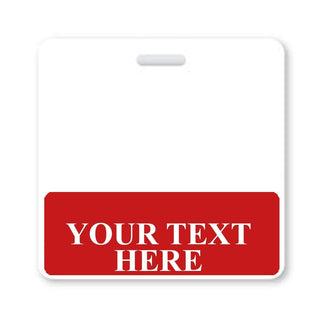 Custom Badge Buddies
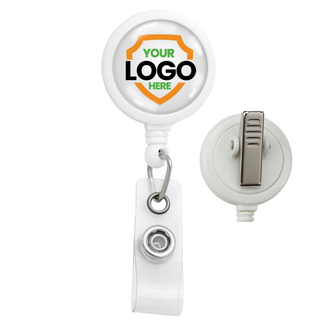 Custom Badge Reels
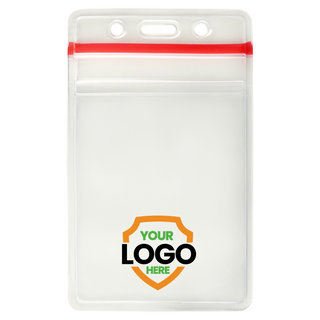 Custom Badge Holders
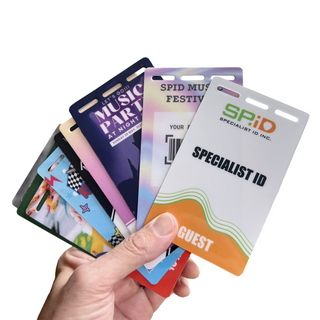 Custom ID Badges & Event Passes
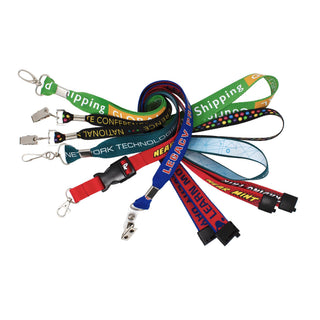 Custom Lanyards
How it works
Send your logo and quantity, approve a free digital proof, and we print and ship.
Start a custom quote → Questions? 1-800-380-6726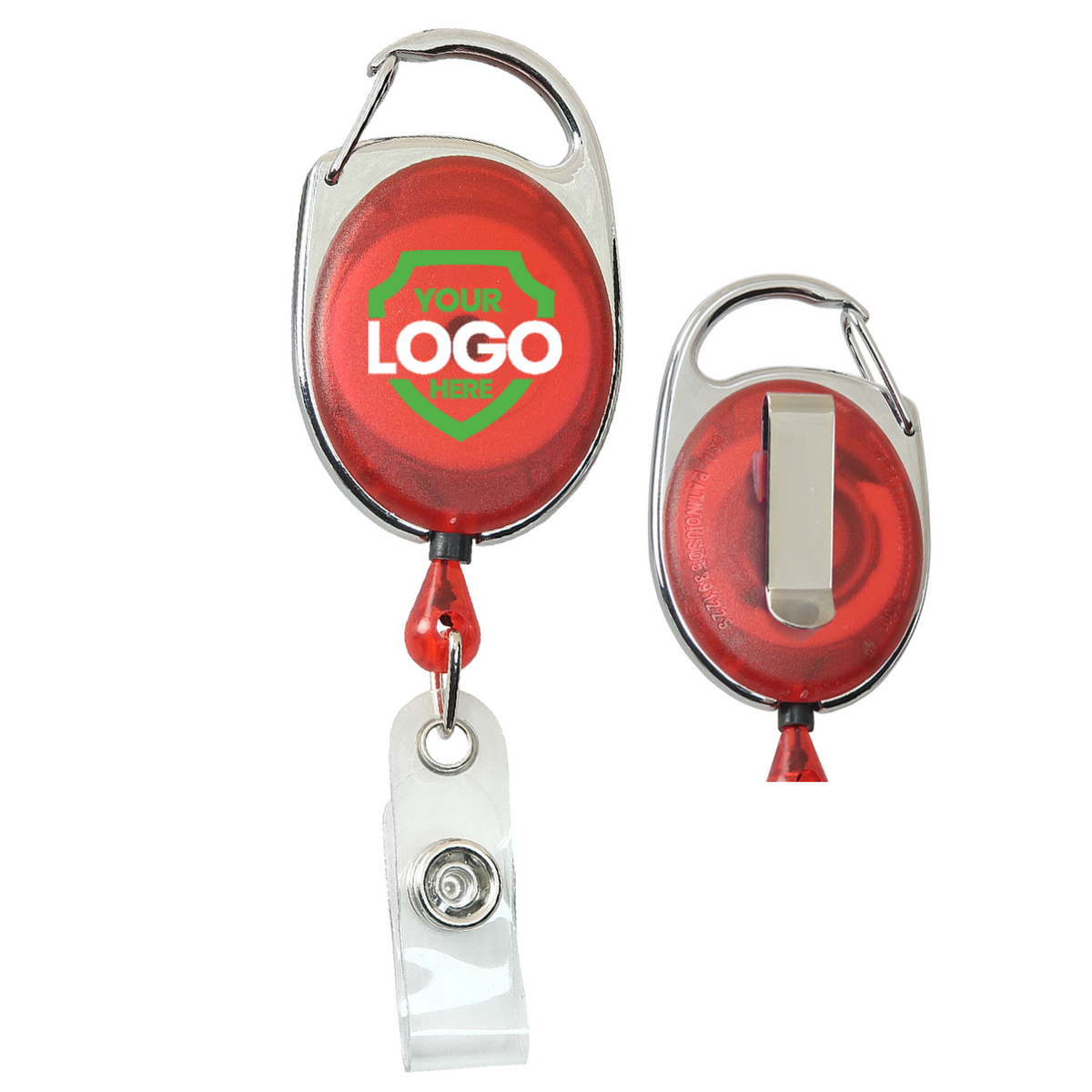
Production review. The print region follows the existing FPD layout; physical dimensions and fixture clearance still need validation. Your order includes an artwork review before printing.
Color artwork, white coverage, and the visual proof are separate. The original upload is included unchanged. White-ink density and edge handling require a production sample.
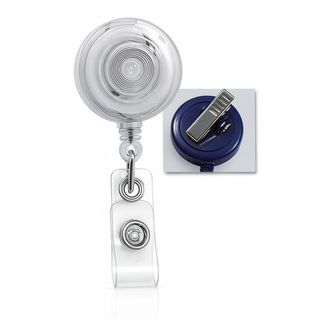
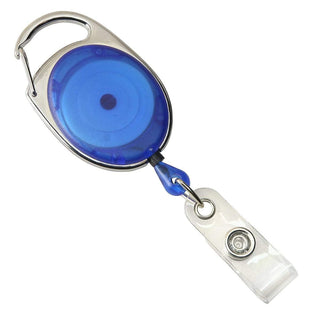
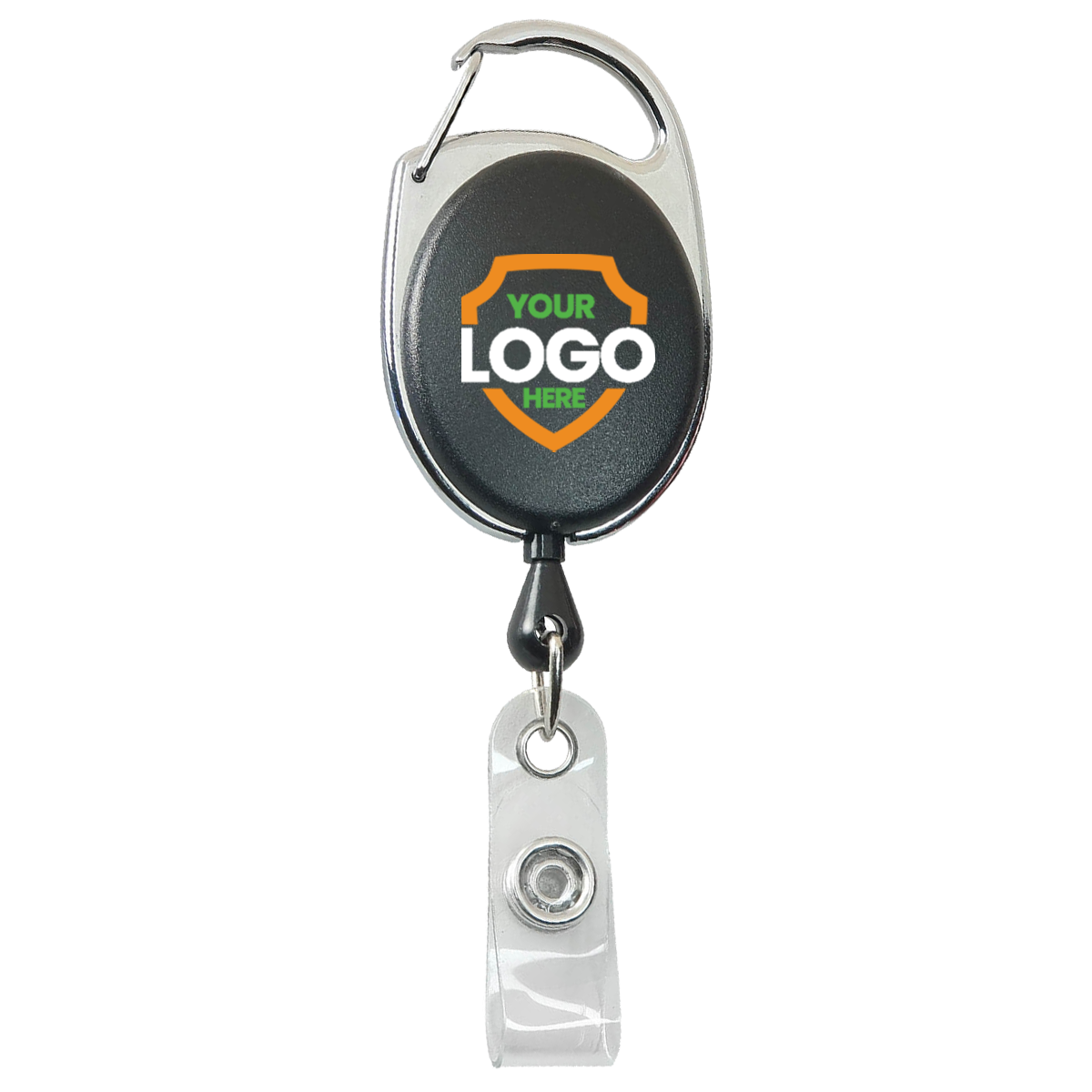
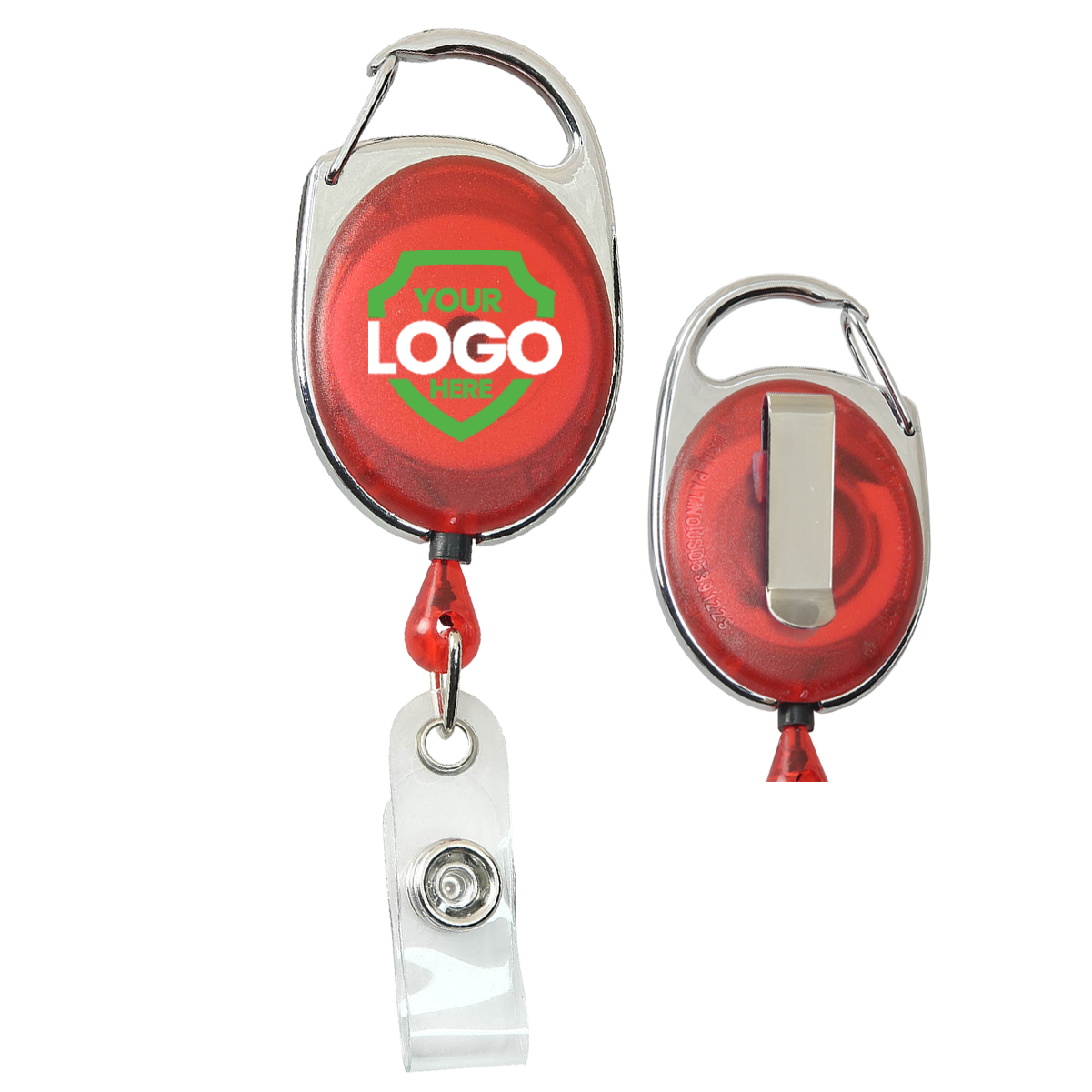
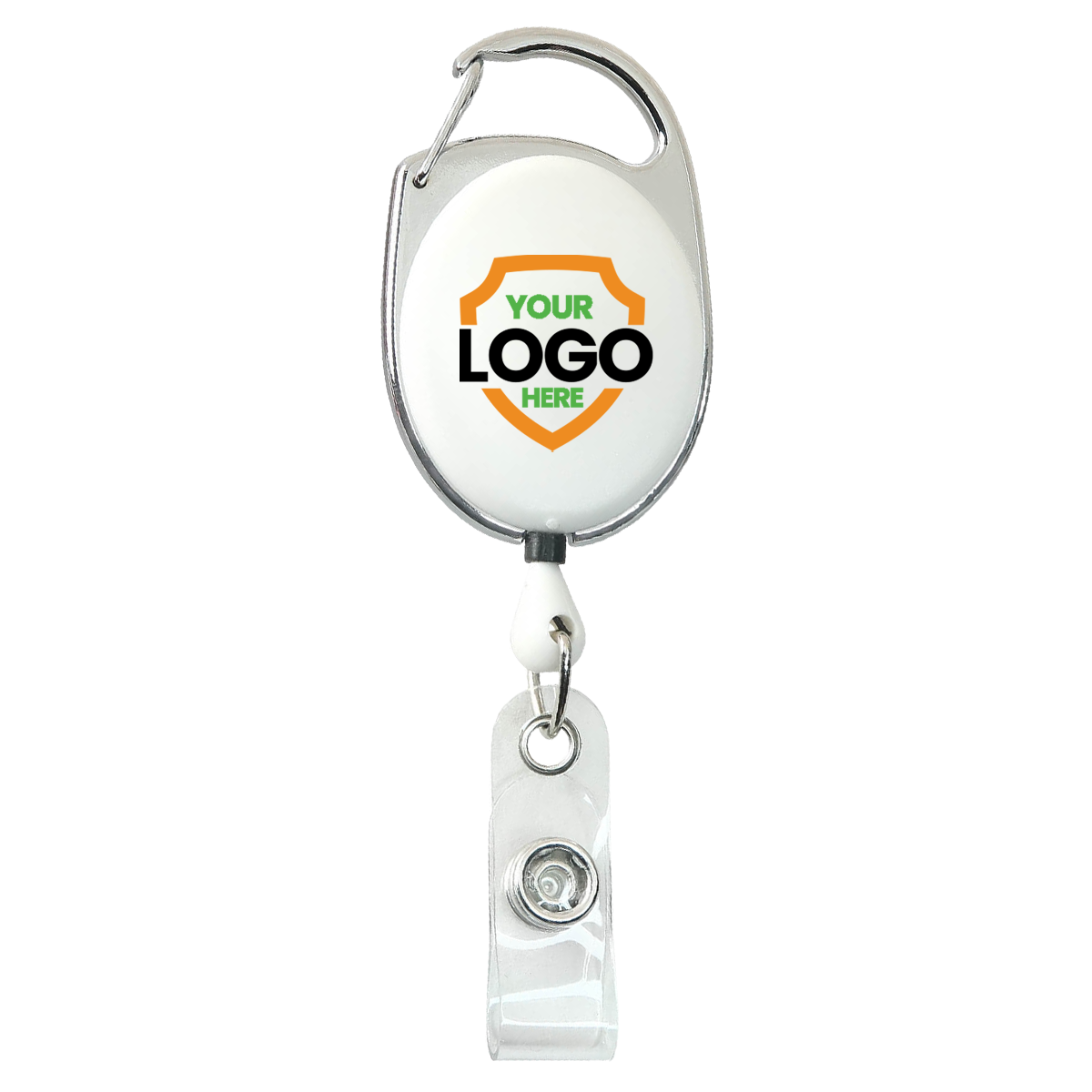
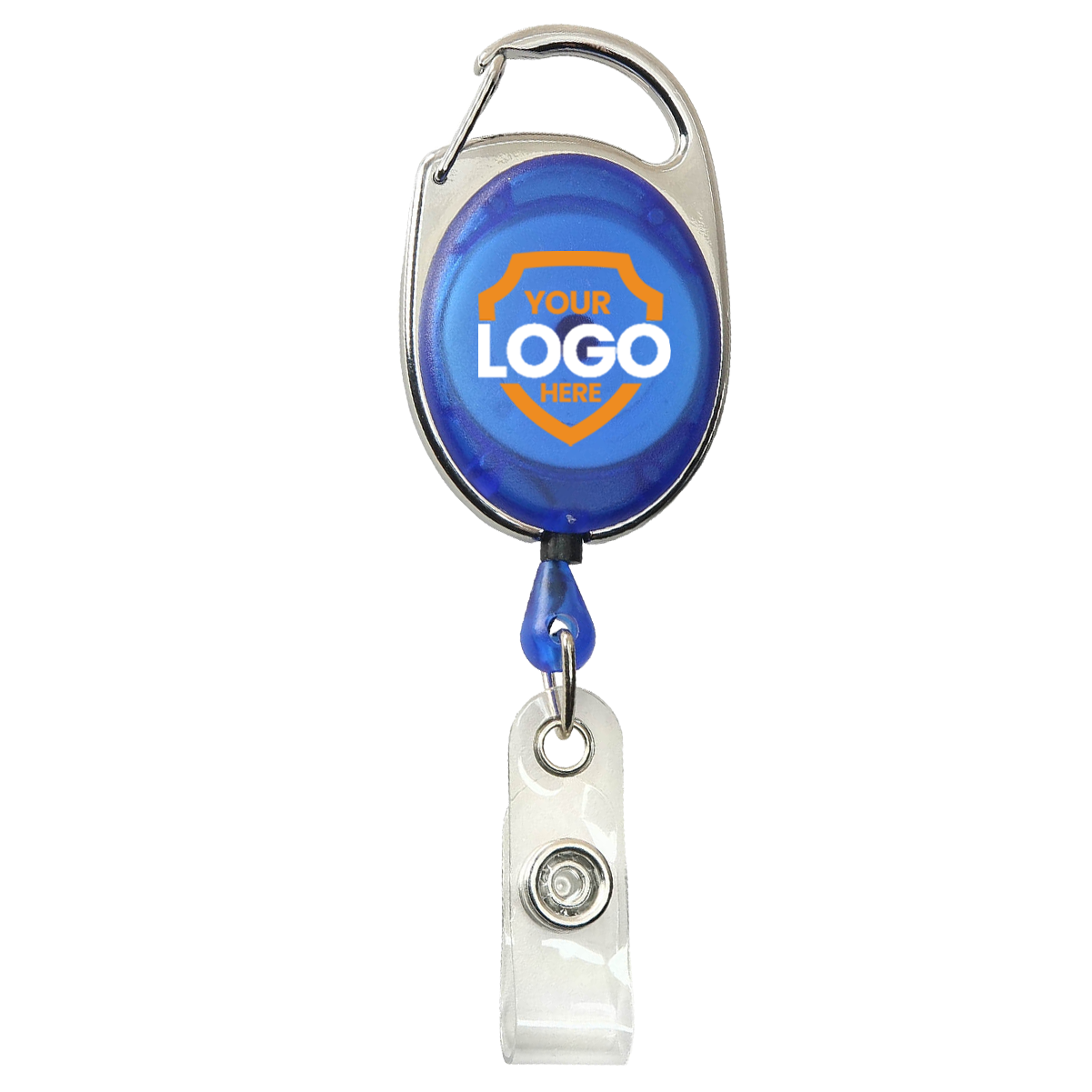
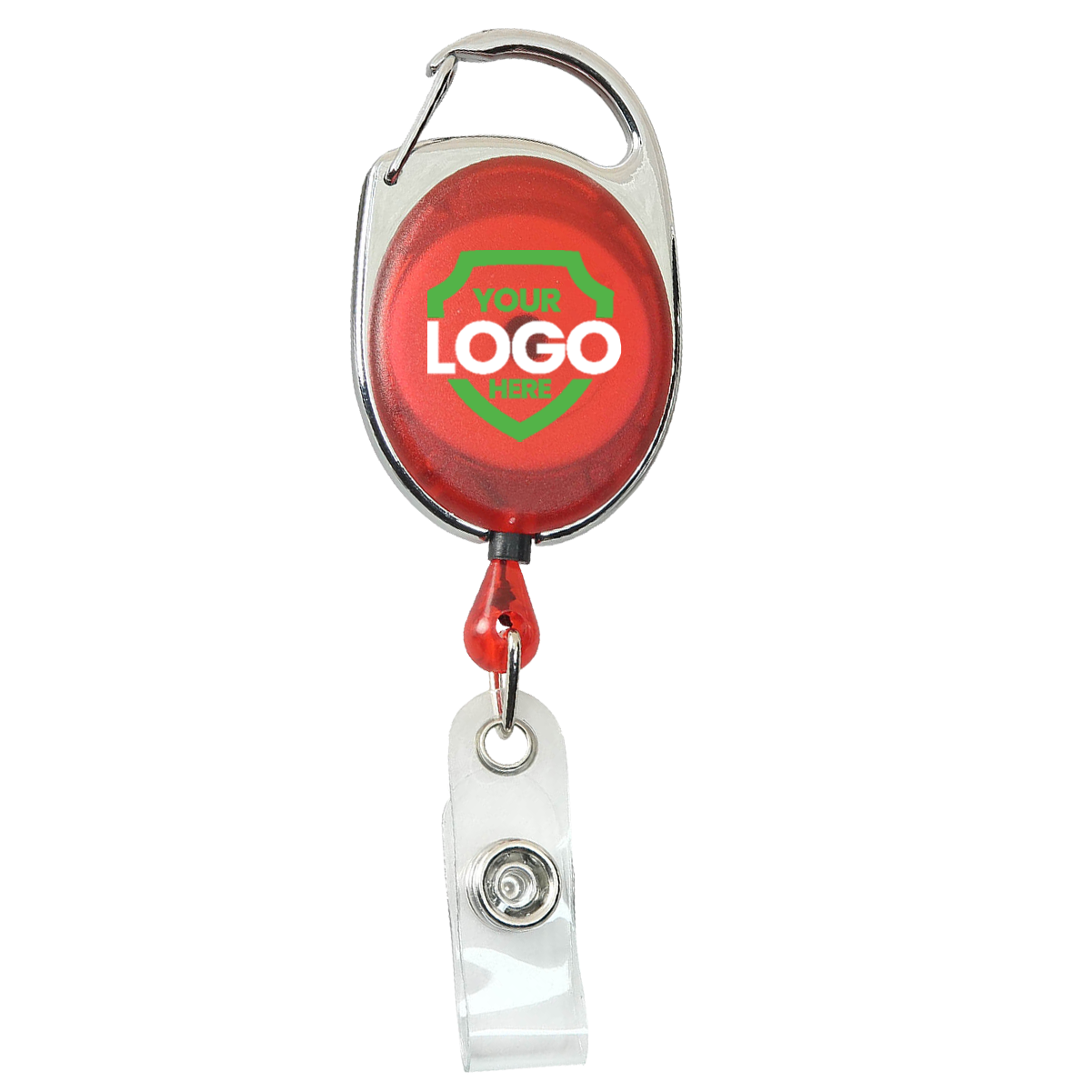
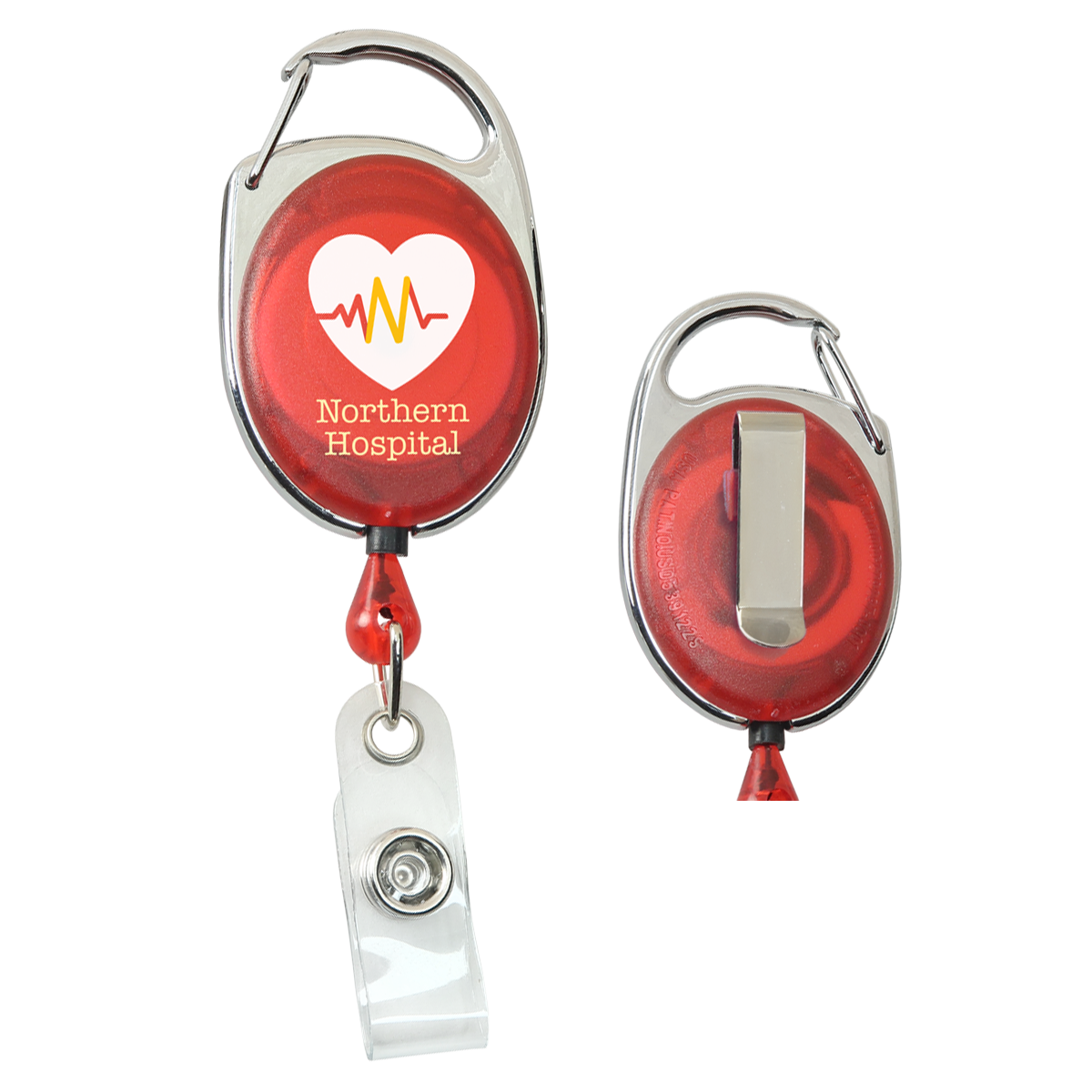
This is a review package, not a Roland RIP job. It contains RGB artwork, an explicit alpha-derived white mask, original files and a settings manifest.Give your team a branded look with a choice of how to wear it. These custom carabiner badge reels combine your full-color logo with a carabiner and a slide belt clip on the back.
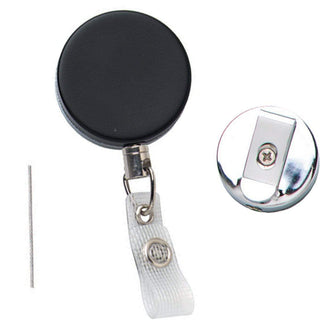
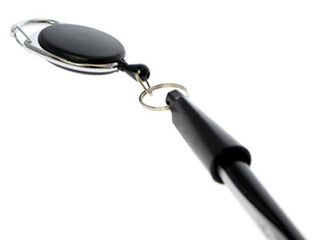
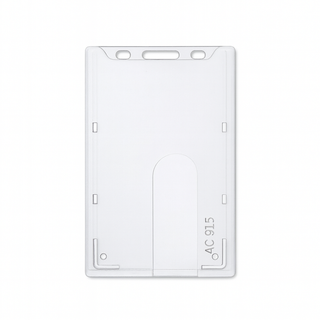
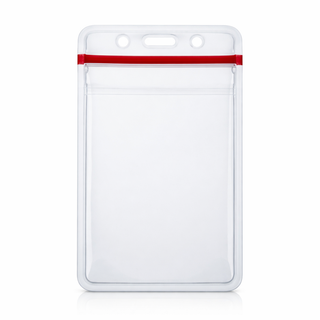
Use the carabiner on a belt loop or bag strap, or wear the reel with its rear belt clip. The retractable cord and clear vinyl strap keep a slotted ID card or badge holder connected while you extend it for use.
Choose your reel color, upload your finished artwork and adjust its size and placement in the preview. UV printing leaves transparent areas unprinted, so the reel shows through. Need help with the layout? Send your artwork after checkout. No setup fees. Digital proofs are available on request.
A clear logo and a coordinated look turn a daily badge accessory into part of your team’s identity. Explore these examples on different badge holders.
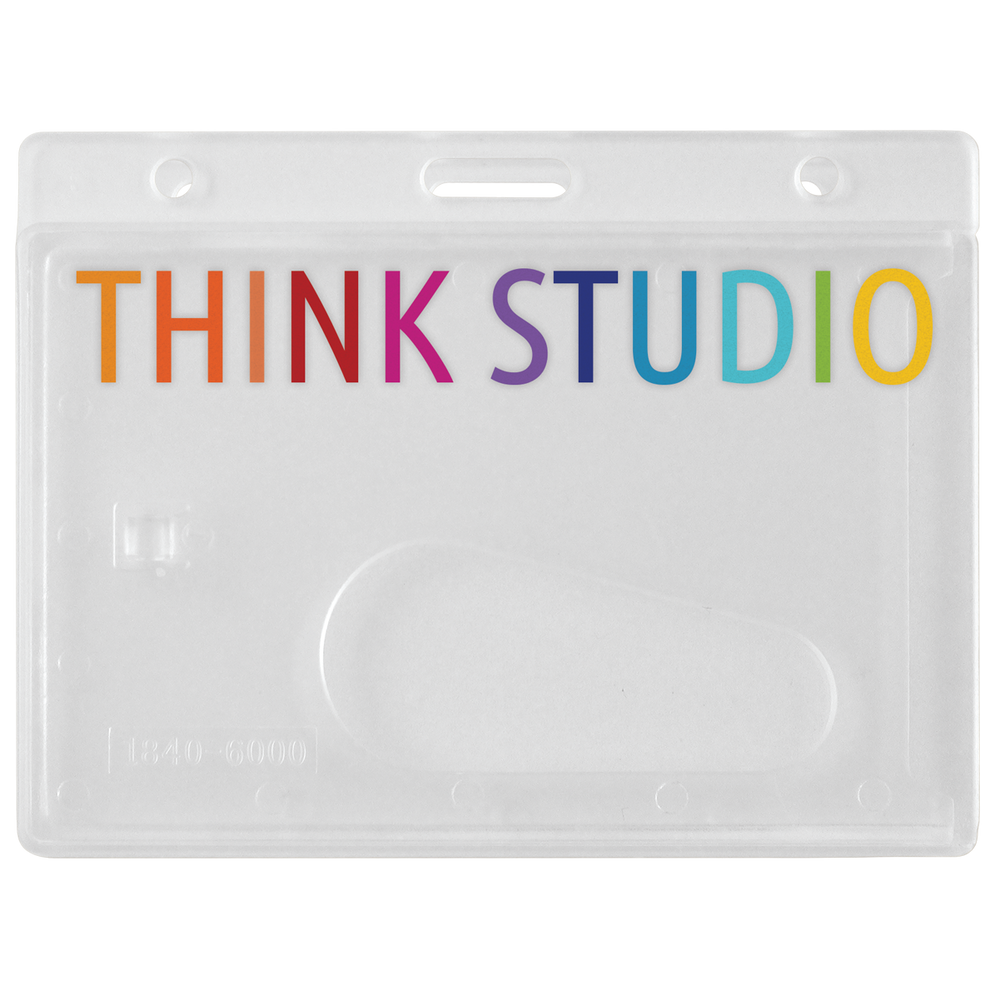
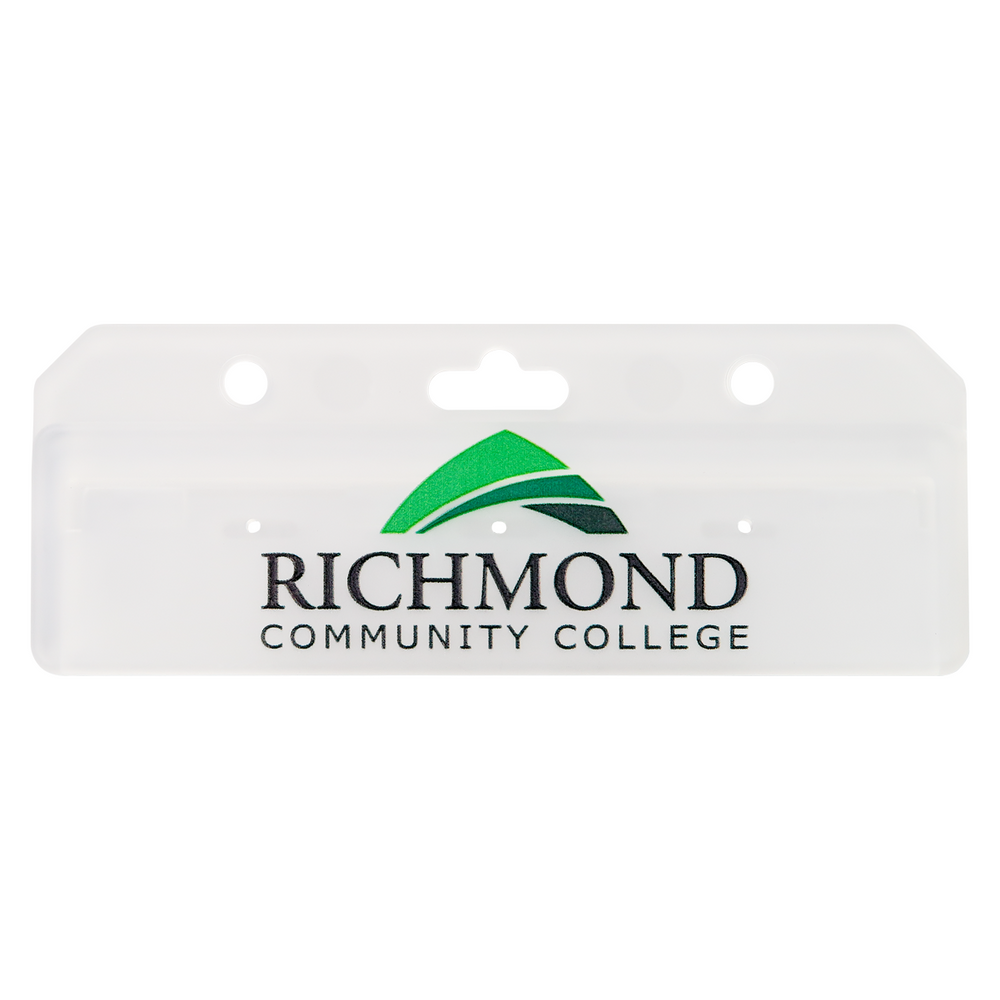
Bring the artwork you already love. We’ll help you put it to work.
Upload your finished logo or design. Have a vector file or need help with placement? Send your artwork after checkout.
Adjust the size and position in the preview. Check that your lettering and details fit inside the print area.
A real person checks your artwork and layout before printing. If something needs attention, we contact you. Digital proofs are available on request.
You know your brand. We help it look its best on the product you choose, checking the artwork and layout before printing. Have a question about your file? Our team can help.
The product shows through wherever your file is transparent. Upload a transparent PNG or WEBP to preserve those areas in the preview.
White pixels print as white ink. Keep them for white lettering or a white background. Use Remove white background only when you want those areas removed, and check the whole logo afterward.
Give your team a look that belongs to your brand. Preview your design above, or send your artwork after checkout for help with the layout.
Need a hand? Call 1-800-380-6726.