












Description
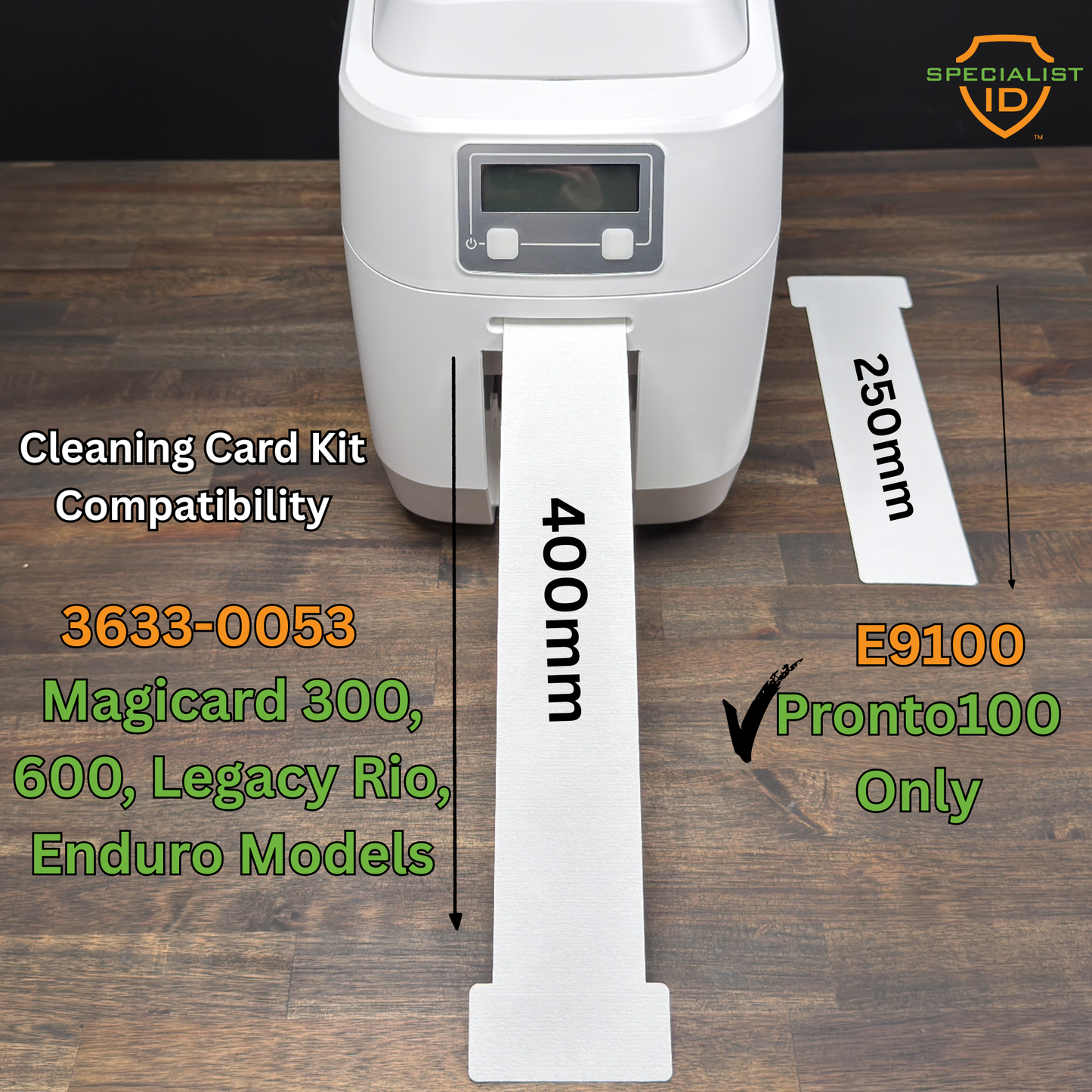
The Magicard E9100 is the cleaning kit Magicard made for the Pronto100. Each kit includes 10 alcohol cleaning cards and 1 printhead cleaning pen. Magicard recommends cleaning every 700 prints or every time the ribbon is replaced.
How to Clean Your Pronto100
Step 1 -- Clean the card path: Open the printer lid and remove the dye film. Press the power button twice in quick succession to start the cleaning cycle. Insert the cleaning card into the feed slot when prompted -- the card draws in and ejects automatically. Repeat once more for a thorough clean.
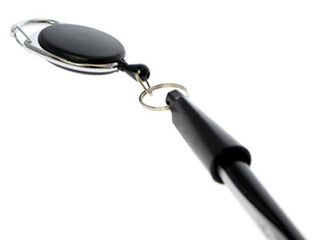
Step 2 -- Clean the printhead: With the lid still open, run the tip of the cleaning pen across the face of the printhead several times to remove grease and debris. Once clean, do not touch the printhead face.
What You Get
- 10 alcohol cleaning cards
- 1 printhead cleaning pen
- Fits the Magicard Pronto100 card path
- Genuine Magicard cleaning supplies.
You are ordering the exact cleaning kit Magicard made for this printer. Specialist ID is an authorized Magicard dealer.